Learning Objectives
- Explain parallelism and why graphics naturally require it.
- Distinguish GPU throughput from CPU-style control performance.
- Explore how compute units and workload parallelism interact.
- Identify workloads that benefit from GPUs.
- Recognize power and memory-bandwidth limits in GPU computing.
Theory & Fundamentals
Parallel execution. A GPU is designed to perform many similar operations across large sets of data. This matches graphics, matrix operations, and many numerical workloads.
Throughput orientation. GPUs prioritize high aggregate throughput rather than minimizing the latency of a single branch-heavy instruction stream.
Memory system. GPU performance depends strongly on feeding many execution units with data. Memory bandwidth and locality therefore matter.
AI connection. Many neural-network computations are matrix-heavy and parallel, which is why GPUs became central to AI training and remain important for inference.
Unique Visualization
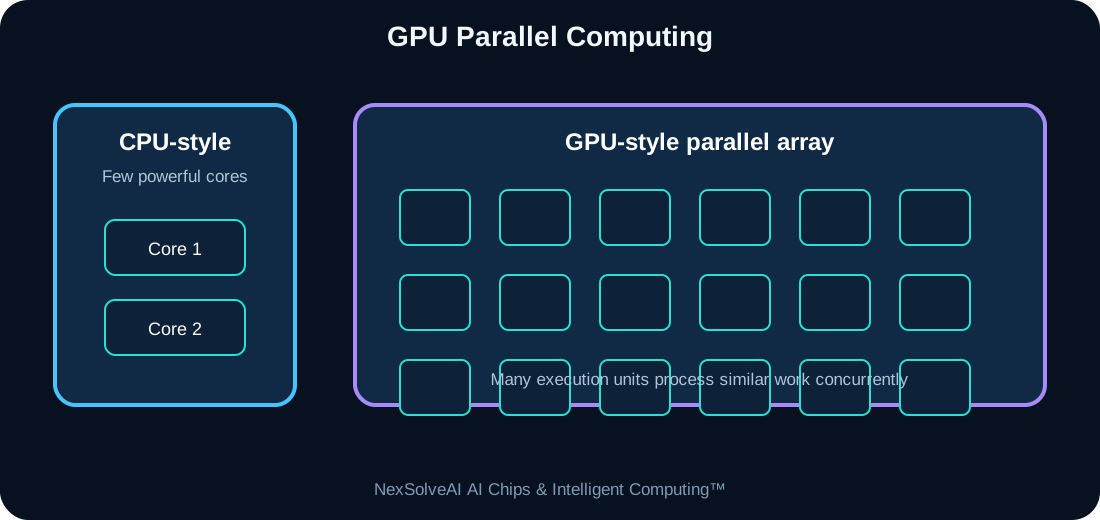
This figure is specific to AC-04 and illustrates the core architecture or dataflow discussed in this lesson.
Interactive Experiment
Parallel throughput—
Memory utilization—
Estimated power—
Bottleneck—
See when memory can no longer feed the parallel compute array.
Real-World Case Study
Training an image classifier involves performing similar tensor operations across many images and model parameters. GPUs can evaluate huge numbers of these operations concurrently.
Case-study task: Identify the most important compute, memory, power, and data-flow requirements in this example.
Engineering Challenge
Increase GPU compute units while keeping memory bandwidth fixed. Identify the point at which adding more compute gives diminishing benefit.
Common Misconceptions
- Headline specifications should not be interpreted without workload context.
- Compute, memory, data movement, software, and power interact as one system.
- More hardware resources can show diminishing returns when another subsystem is limiting performance.
Interactive MCQ Quiz
1. What is a major GPU strength?
2. What can limit a large GPU?
3. Why are GPUs widely used in AI?
Select your answers and submit the quiz.
Nexa AI Chip Tutor™
The future connected tutor can explain Understanding the GPU, interpret this module's experiment, and answer learner questions based on the current settings.
Suggested prompt: “Explain the experiment in AC-04 and tell me why the bottleneck changes when I move the sliders.”
Downloads
References & Further Study
- Computer architecture and digital systems textbooks
- Semiconductor and processor manufacturer educational documentation
- AI hardware, edge-computing, and embedded-systems documentation